
Photograph
Take a photo of the front of the coin, then the back, or choose them from your library.
Your pocket coin expert
Photograph both sides of a coin. Coin Finder identifies it and gives you its origin, condition, rarity and an estimated value in seconds.
Free to download. Your first scan is free, then a subscription managed through your app store.
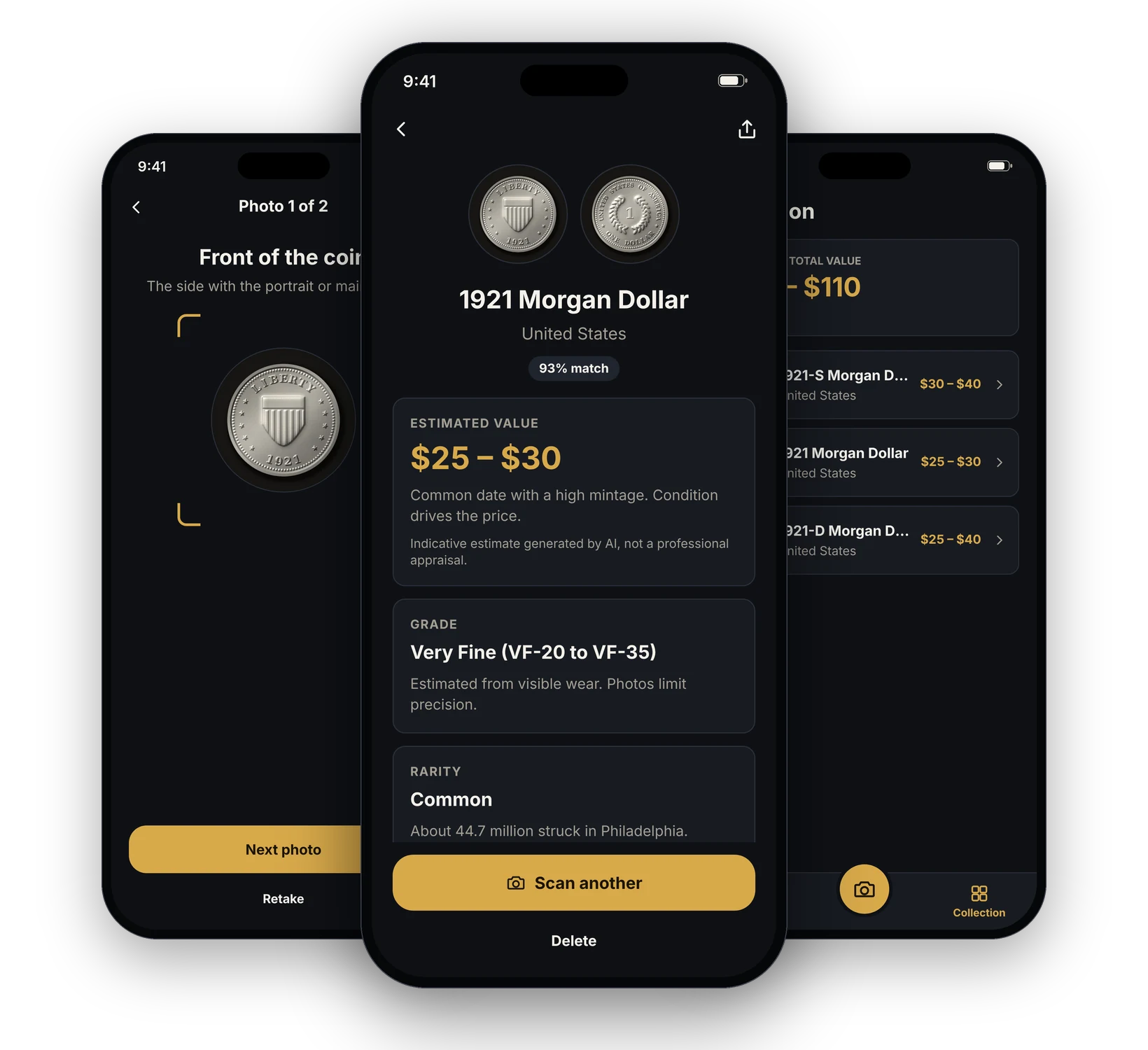
How it works
A simple flow for the moment a coin makes you wonder.
Take a photo of the front of the coin, then the back, or choose them from your library.
Get the coin's name, country and year, with a match score.
See an estimated value range and the coin's condition grade.
Check its rarity, the varieties to look for, its specifications and its story.
Save it to your collection and follow the estimated total value.
Made for coins
AI identification
Photograph the front and the back. Coin Finder reads the inscriptions and the design, then gives you the coin's name, country and year with a match score. When it is not sure, it says so and shows what else the coin could be.
Value, grade and rarity
Each result comes with an estimated value range, a condition grade and a rarity level, with the varieties and mint errors to look for. It is an indicative estimate, not a professional appraisal.
Collection
Save the coins you scan with their photos and details. Your collection adds up their estimated total value.
Who it is for
Keep your coins, their photos and their estimated value together.
Go through a box of coins and see which ones deserve a closer look.
Get a first indication of what a coin may be worth before asking an expert.
Find out where a coin comes from and the story behind it.
Inside Coin Finder
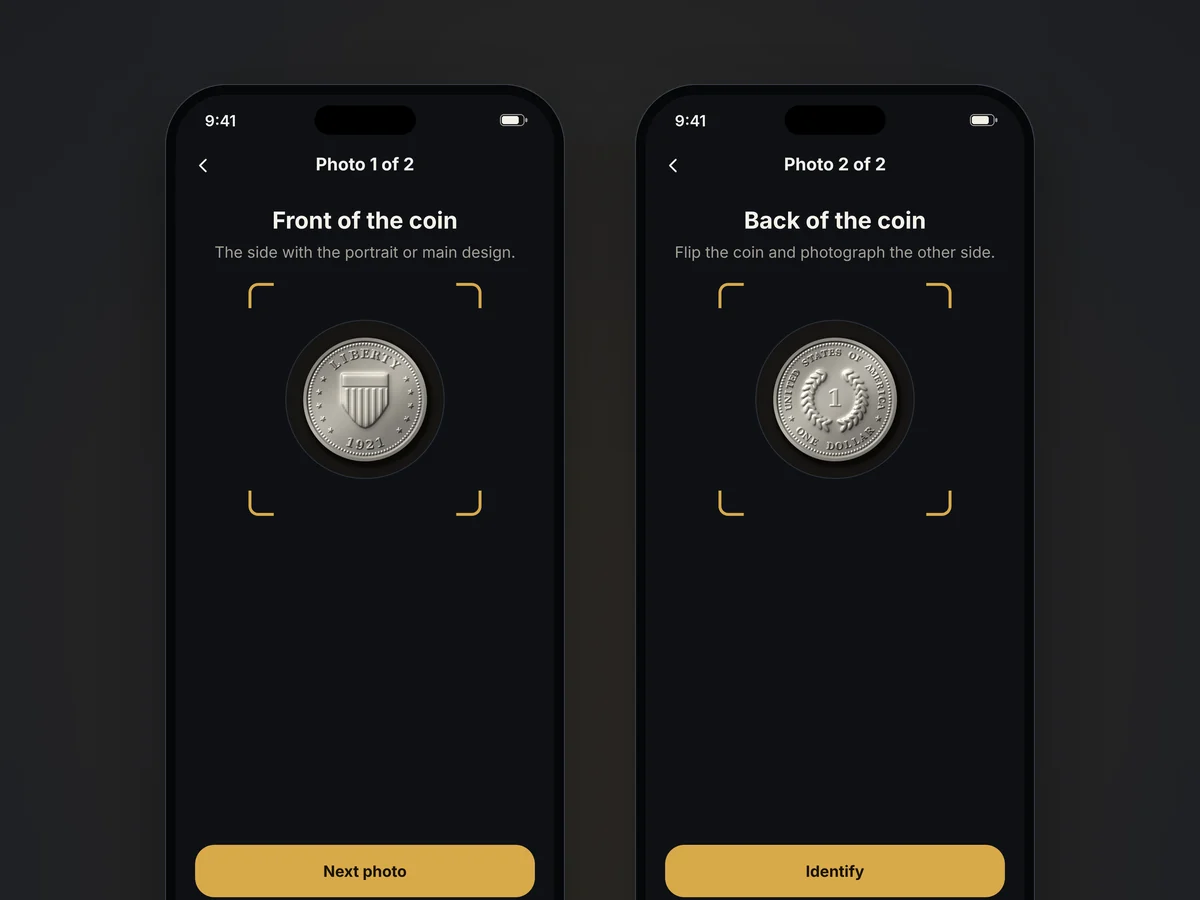
A guide shows where to place the coin. Take the front, then the back, with simple tips for a sharp, evenly lit photo.
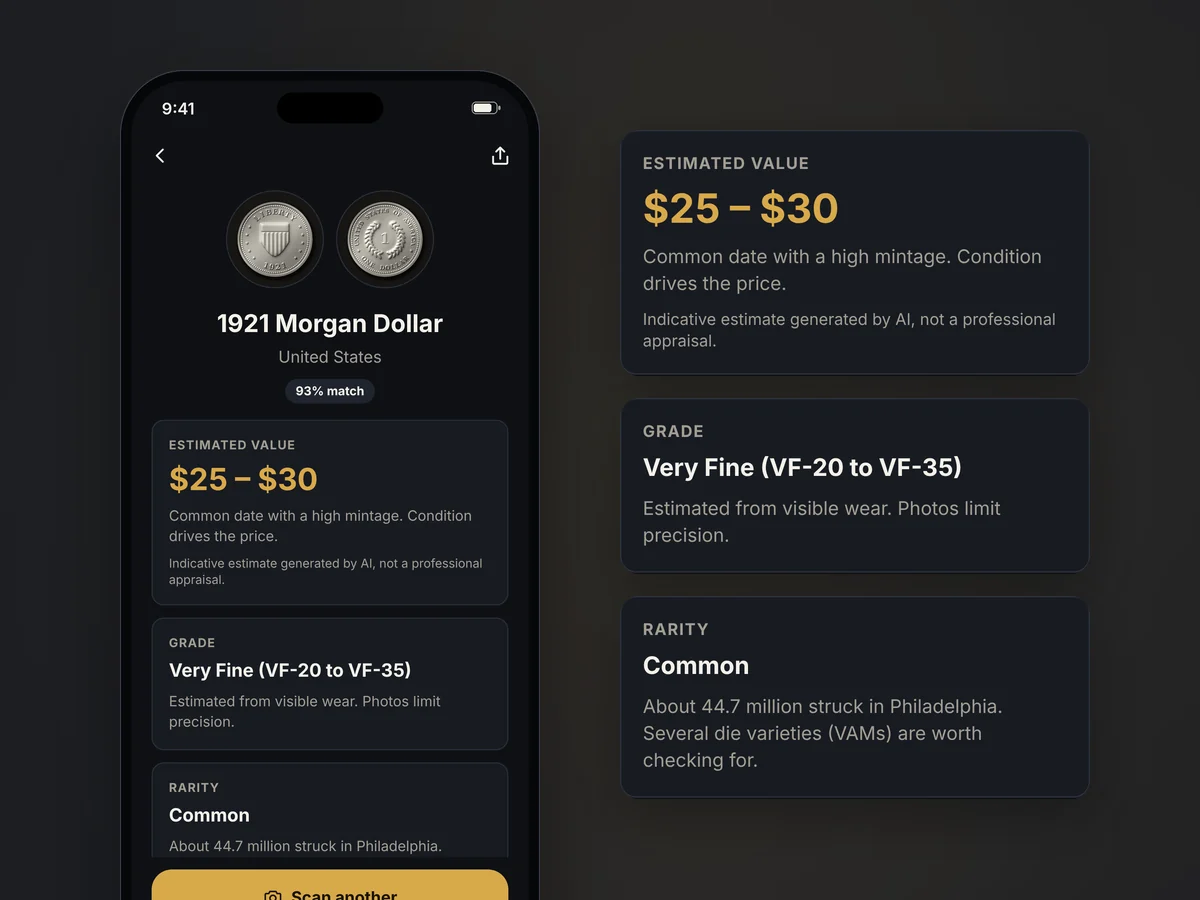
The result opens with the coin's name and match score, followed by its estimated value, its grade and its rarity level.
Your recent scans stay on the home screen. Your collection lists every saved coin and the estimated total value.
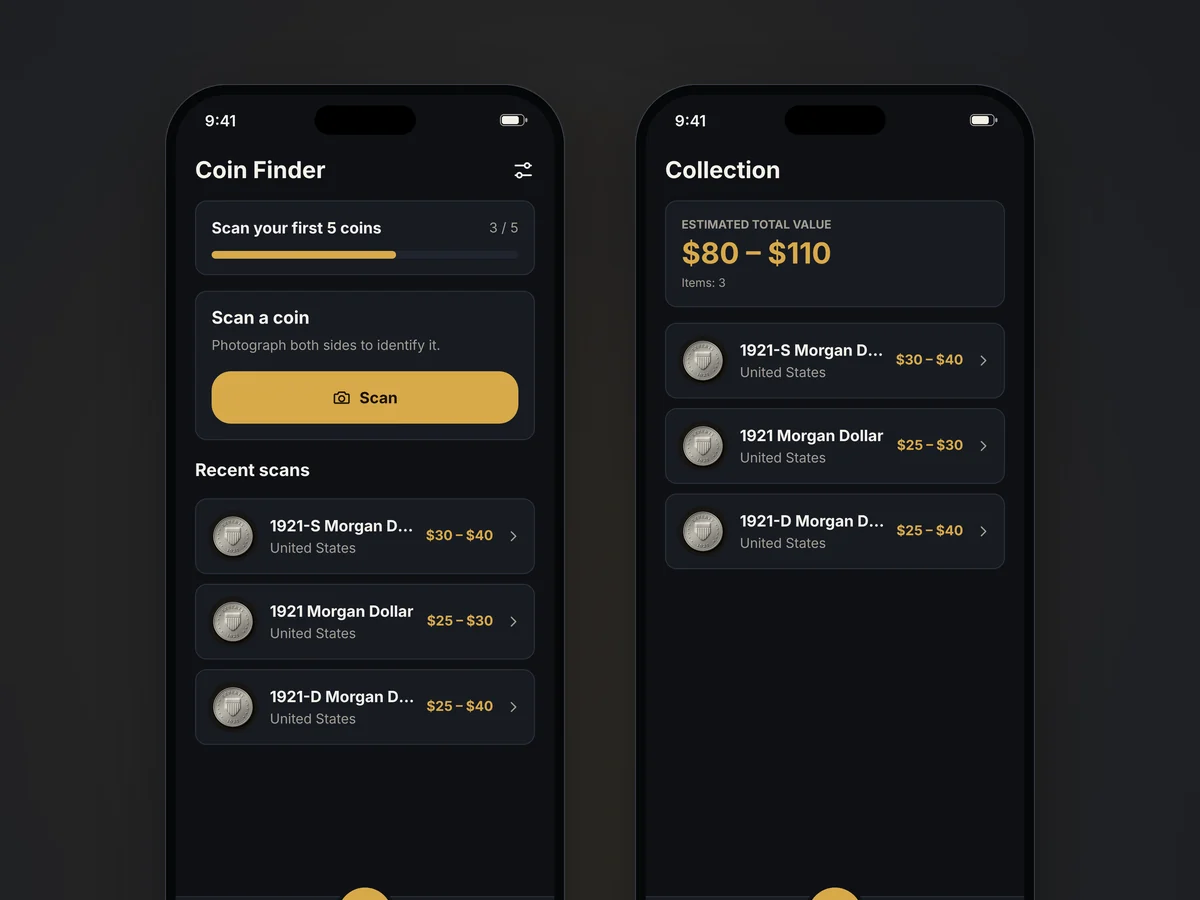
Screens show sample results. The coin images are illustrations.
Questions
Coin Finder is made for coins. It analyzes photos of both sides and suggests the most likely match, with a match score. When it is not sure, it tells you and may show other possible matches. Some coins cannot be identified from photos.
Place the coin on a plain, dark surface. Use even light and avoid reflections. Fill the frame and keep the coin sharp. Photograph both sides.
No. Values, grades and rarity levels are indicative estimates generated by AI from your photos. They are not an appraisal, an authentication or an offer to buy. For a valuable coin, ask a qualified numismatist or a professional grading service.
The app is free to download and your first scan is free: it shows the identification and details of your coin. The estimated value, grade and rarity, further scans and the collection require a subscription.
In your Apple or Google account settings, or from the app under Settings > Manage subscription. Cancel at least 24 hours before the end of the current period to avoid the next charge.
Your next find
Download Coin Finder and scan your first coin.